Everyday · sharing · WIFI:T:WPA;S:<ssid>;P:<password>;;
Wi-Fi, joined by scanning
The network name and password go into the code in the standard WIFI: format. Guests scan and join — nobody reads a 20-character password off a sticker.
Opens the generator with this type selected. Everything happens in your browser.
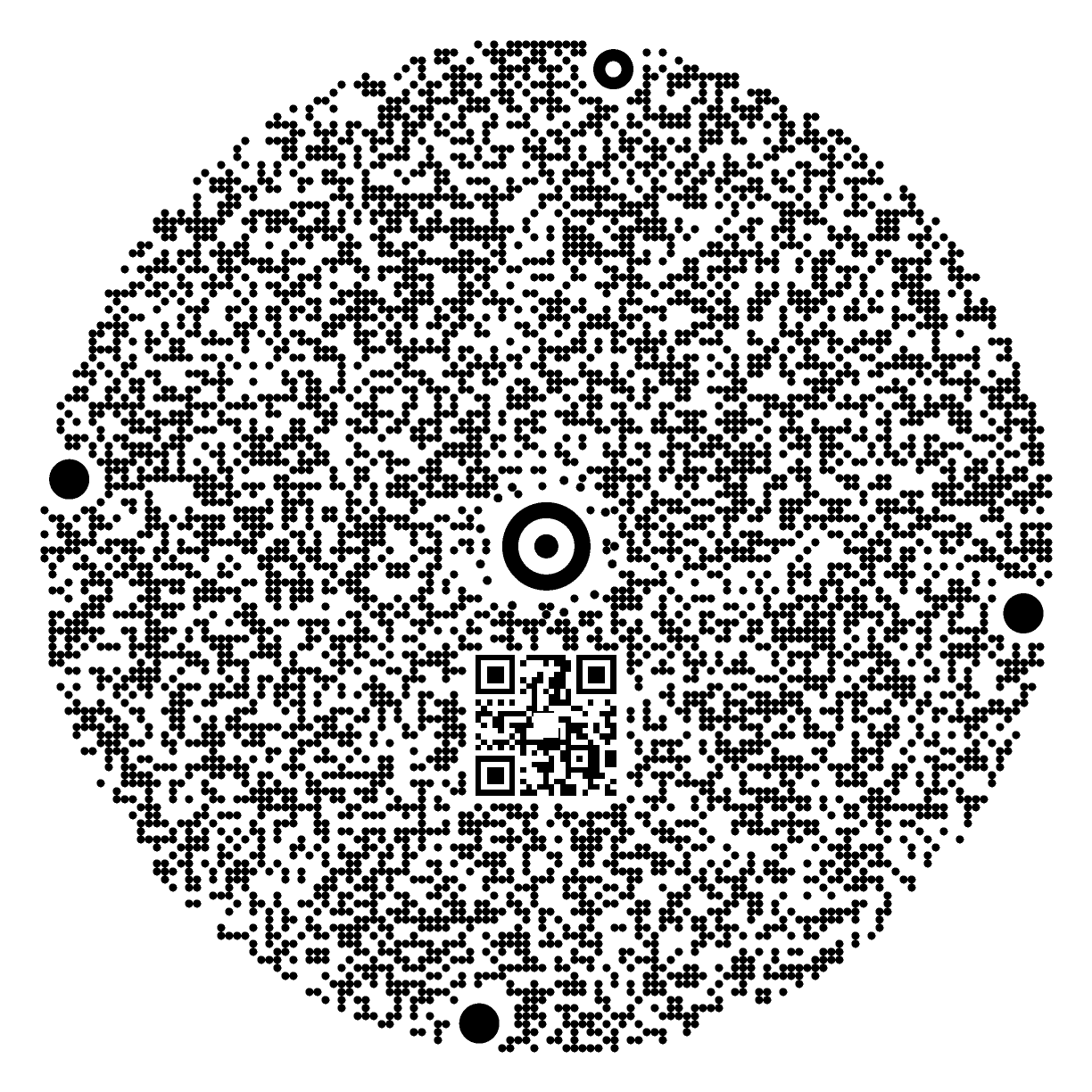
This example carries plain text rather than a real Wi-Fi payload: WIA never renders real Wi-Fi contents on public pages, because that content belongs only on a code you print yourself.
What the code carries
The WIFI: text format that phones already understand: security type (WPA/WEP/open), network name, password and the hidden-network flag. The same format QR uses — so the phone's own Wi-Fi prompt appears.
What happens when it is scanned
- The scanner reads the network details from the code — offline, which matters when the guest is not yet connected.
- The phone shows its native "join this network" prompt with the name filled in.
- One tap joins. The password is transferred but never displayed.
Why a WIA Code for this
How much fits
Measured on the live engine (bytes of content, after error correction). The QR column is a standard QR code of the same printed size, for comparison.
| Grid | WIA Code (bytes) | Same-size QR (bytes) | With booster QR |
|---|---|---|---|
| S · 64 modules · round | 239 | 60 | — |
| M · 96 modules · round | 608 | 151 | — |
| L · 128 modules · round | 1128 | 322 | 1092 |
This page's example is 99 bytes. The booster QR is a small standard QR placed in the centre so phones without the WIA scanner still get somewhere useful — it leads to the web scanner, which then reads the full code.
Before you print it
The password is inside the code, exactly like a Wi-Fi QR. Print it only where the guests you want are. WIA never renders real Wi-Fi codes on public pages and refuses to create shareable permalinks for them — the example on this page is plain text.
Questions people ask
Is my password sent to WIA?
Does it work on iPhone and Android?
What if I change the password?
Can I use a hidden network?
Why is the example on this page just text?
Other kinds of content
WIA Code is a radial-symmetry 2D code. The content lives in the code; there is no server in between when it is scanned. Generated with the WIA Code engine · scannable · no account needed